
🎯 Find Your Perfect Goals
Get My Plan β†’
🎯 Find Your Perfect Goals - Get the iOS app now!
Download

12 Hints To Help Protect Your Online Identity From Cyber Criminals

With all of the personal information that is floating around in cyberspace, it is vital to take the steps that are necessary to protect your identity.

Author Sasha Brown
Category Technology
12 Hints to Help Protect Your Online Identity From Cyber Criminals
The way that we use the internet has changed significantly over the last 10 years, and now it is extremely difficult to live life β€œunplugged.” With all of the information relating to personal lives, businesses, and finances that is floating around in cyberspace, it is vital to take the steps that are necessary to protect your identity. Most of the steps are quick and easy and won't cost anything other thanΒ a few minutes of your time.

1. Leave out personal information from social media profiles.

Private details like your address, phone number, and child's school are all little bits of information that give hackers the info that they need. Remove the "friends" you don't know personally, and revise any details on your "about me" section.

2. Protect online passwords.

In addition to making strong passwords, be sure not to use the same password for everything. Have more than one password for online accounts, and make sure they are not something easy to guess (or find on social media profiles), like middle names and birthdays.

3. Review privacy settings on social media.

There is a "friends only" privacy option that should be used. Reset your security settings when social media websites make changes to their own privacy settings to increase your online privacy and security.

4. Check the privacy settings on your phone.

You will need to manually turn the GPS location services off. This will ensure that nobody is tracking your location. Some apps will ask you to turn the location services on in order for them to work more accurately, but this is normally not a necessity for using the apps.

5. Be cautious of phishing emails.

Spam emails are becoming more sophisticated, but never respond to emails with any account information or passwords. When you take a hard look at the email address that the scam has come from, it will normally look similar to a legitimate one, or will have one letter changed.

6. Ensure that your communications network is secure.

Keep your WiFi password protected to the fullest extent. This will stop hackers from connecting to your network and performing malicious activities while using your WiFi.

7. Watch your bank statements and credit score.

When purchasing items online, keep an eye on your bank statement and credit score. Any significant changes in either can signify that someone has stolen your information.

8. Use strong and up-to-date security software.

This applies to both a mobile phone and computer. This will provide the first line of protection to your sensitive information. Many computers come with a firewall installed, but there are also free versions. Firewalls are a great way to deter hackers.

9. Keep an eye on the https://

The "s" at the end of http stands for secure. Make sure any website you are entering sensitive information into start with https.

10. Use a private email address.

Use a separate email address to correspond with others than what you use to login to websites. This will eliminate a starting point for hackers that are trying to login and get private information.

11. Use login notifications.

Some websites will allow you to receive a text message any time an IP address that is not recognized tries to log in to an account. This won't prevent a hack, but it will give you a heads up if someone is trying to get into your business.

12. Enable two-step authentication.

Two-step authentication requires a second pin number to be entered after it is sent to your phone. It is sometimes annoying, but it does mean a pretty solid guarantee that nobody will be hacking into the account unless they are extra sophisticated.

Ready to Set Goals That Actually Matter?

Stop setting goals that don't stick. Let AI discover what you truly want and create a personalized roadmap to get there.

Discover Values

AI analyzes what matters

Perfect Match

Goals for your life

Action Plan

Step-by-step roadmap

Your 3-minute assessment reveals:

  • Goals perfectly aligned with what you value most
  • Personalized action plan with weekly milestones
  • Progress tracking system and accountability support
Get My Personalized Goal Plan β†’

Track Your Goals Anywhere

Take your personalized goal plan with you. Download the LifeHack app and stay on track wherever you are.
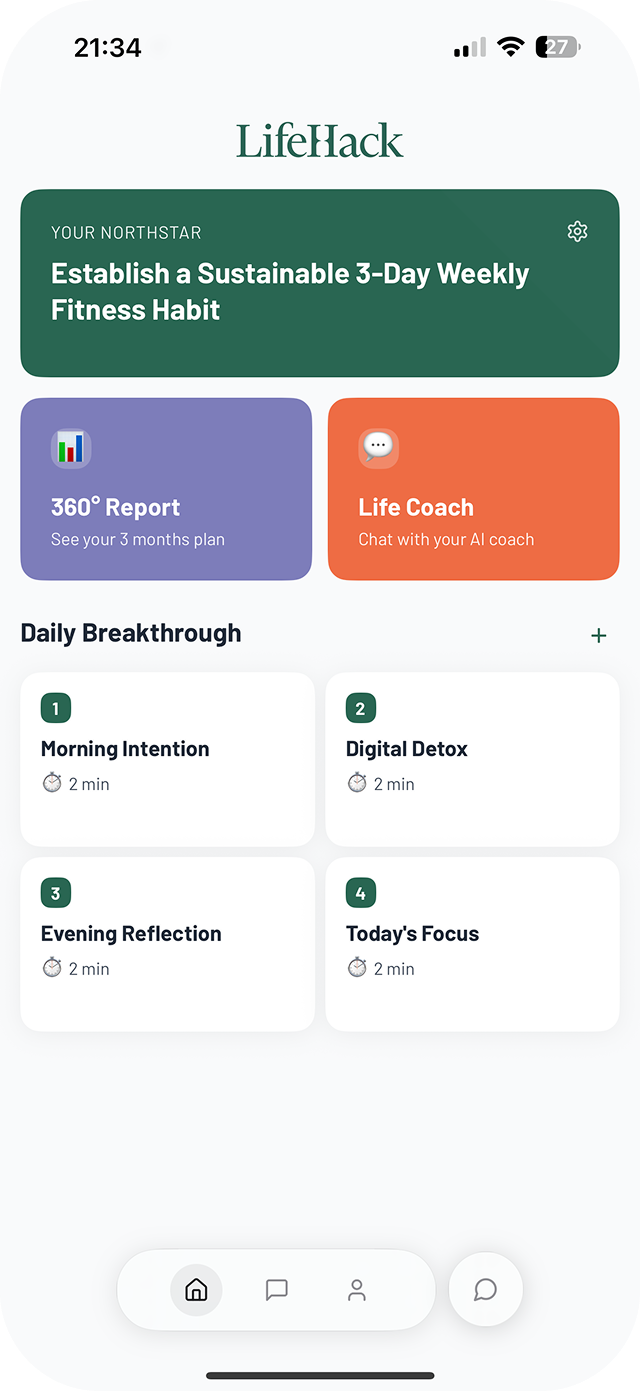
LifeHack iOS app

Why you'll love the app:

  • Access your goals on the go
  • Daily reminders to keep you focused
  • Track progress with simple check-ins
Download on the App Store

Achieve Goals That Matter, In Time You Can Control

Get a taste of LifeHack's unique approach. Subscribe to our free weekly newsletter and learn how to transform busy days into meaningful progress.

  • Discover how to align your time with your true priorities
  • Learn techniques to overcome daily roadblocks
  • Get actionable tips to boost your daily productivity