

Google search need not be complicated. Google search is very efficient, when you know what you're doing.For example, simply type in the word 'weather' followed by a zip code and the weather in any area will pop up. That is only one of the top ways to simplify your search in seconds. Google search really does make searching easier, especially when the user knows how to make the search more efficient.

A comma goes a long way in Google search Just type in the word 'movies, separate with a comma, enter a zip and the local movie list pops up for you.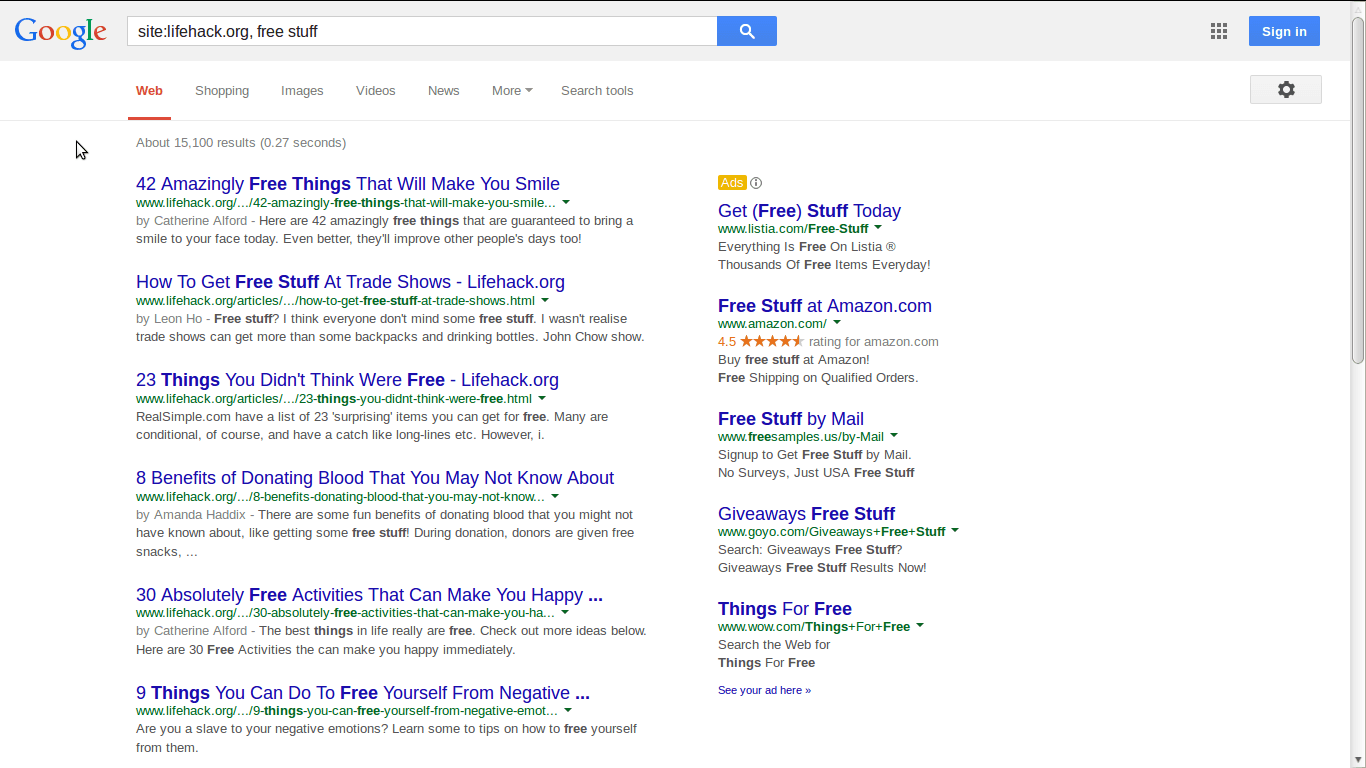
Skip all the ads and do a site specific search. For example, I typed in site:lifehack.org "recipes" and every recipe article on our site popped right up.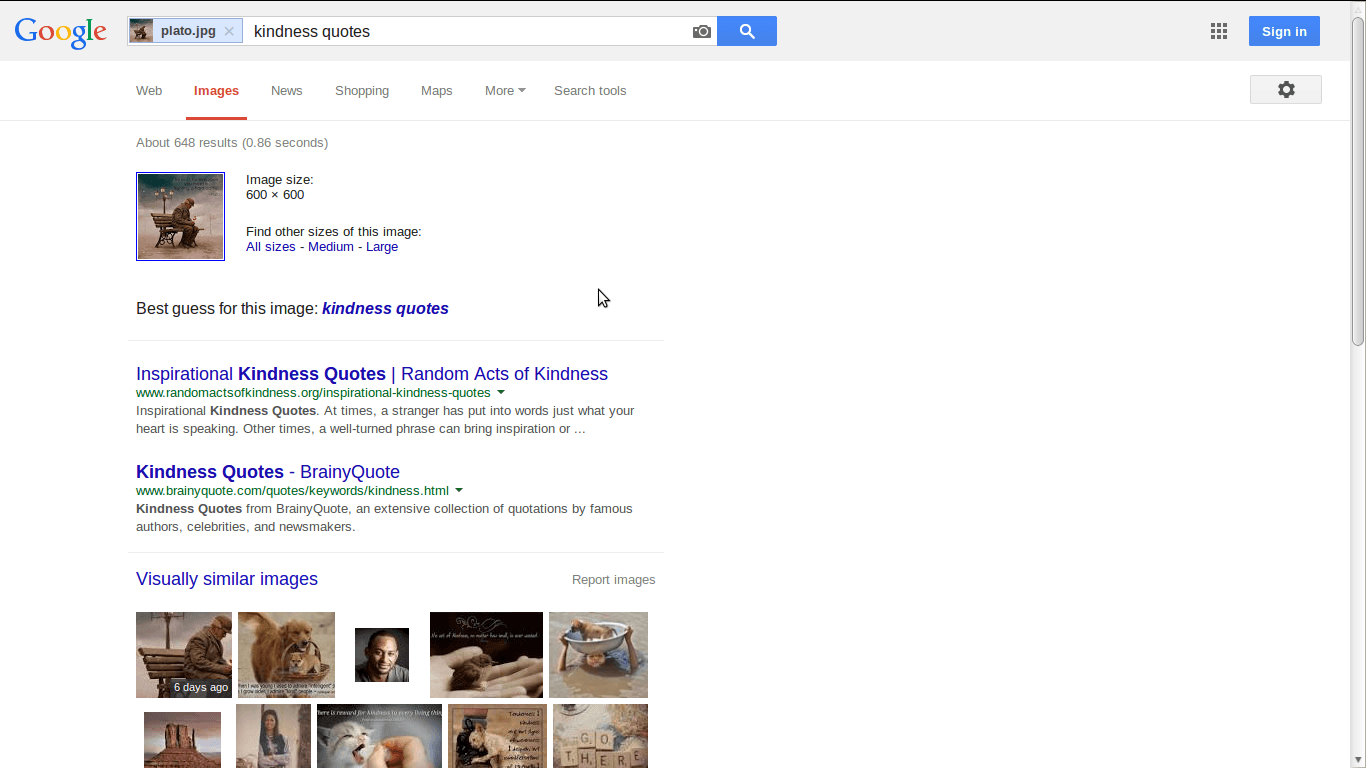
Reverse Image search allows you to search with any image. Simply drag an image into Google search and find out what you've been missing.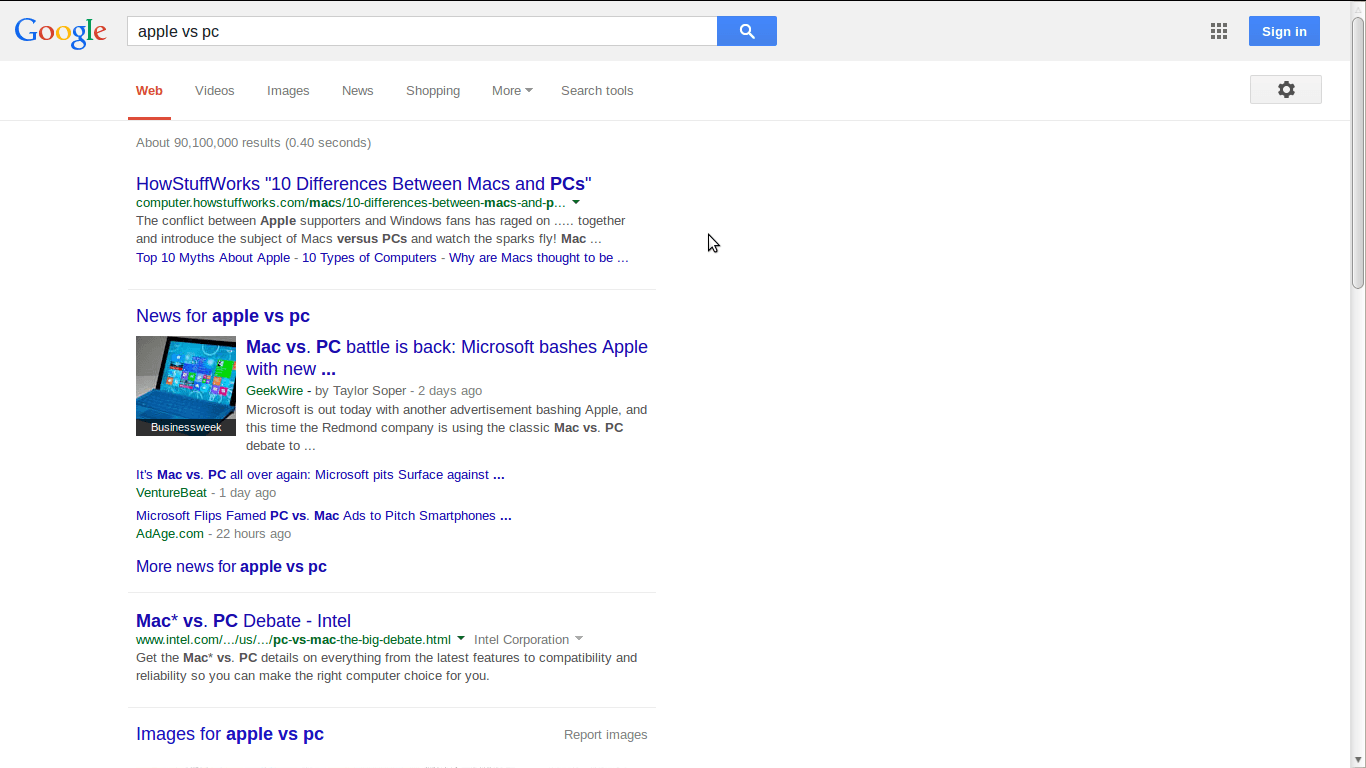
Use vs to compare products or applications or products. Al kinds of reviews will pop up in seconds. For example, the search above was for apple vs pc.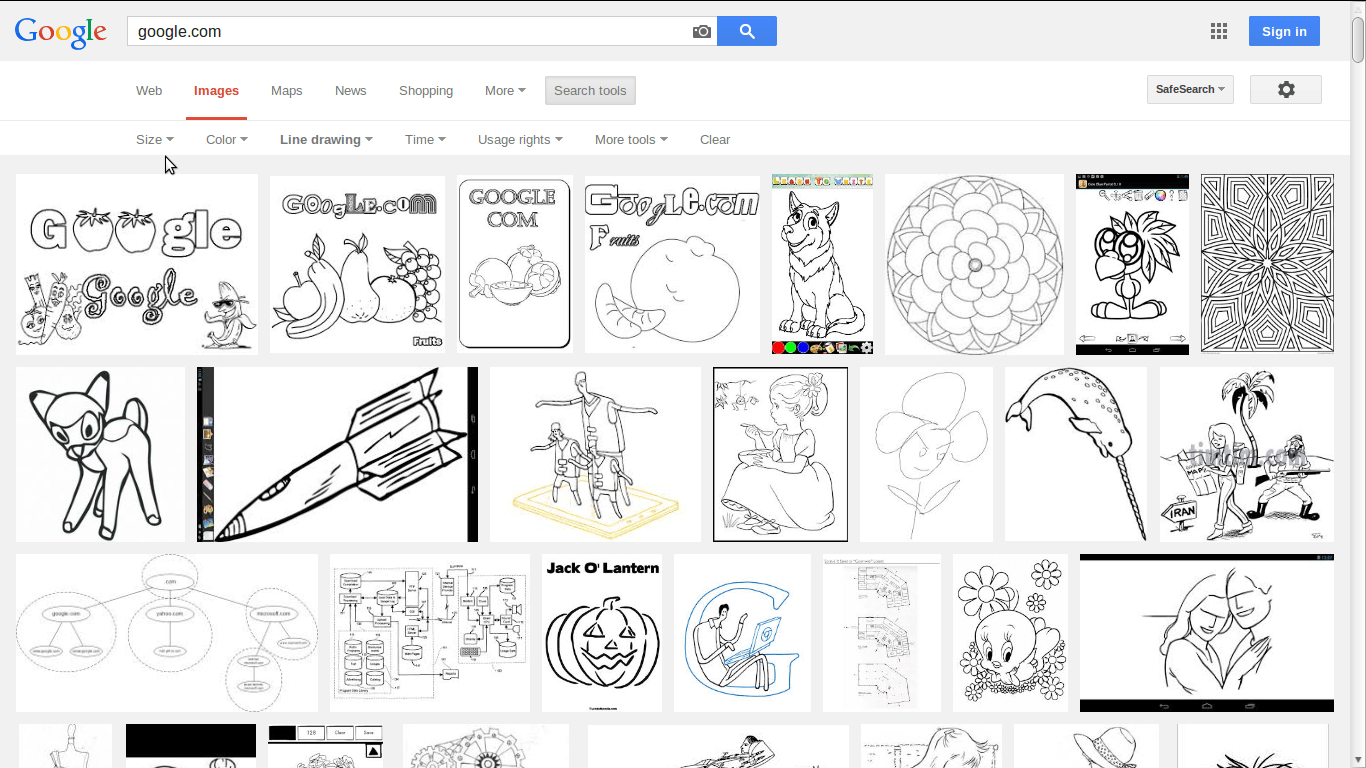
Once at Google Images click search tools and a menu will drop down. Then click type and check face, photo, clip art, line drawing, or animated. This is a great tool, especially when searching for something a little different.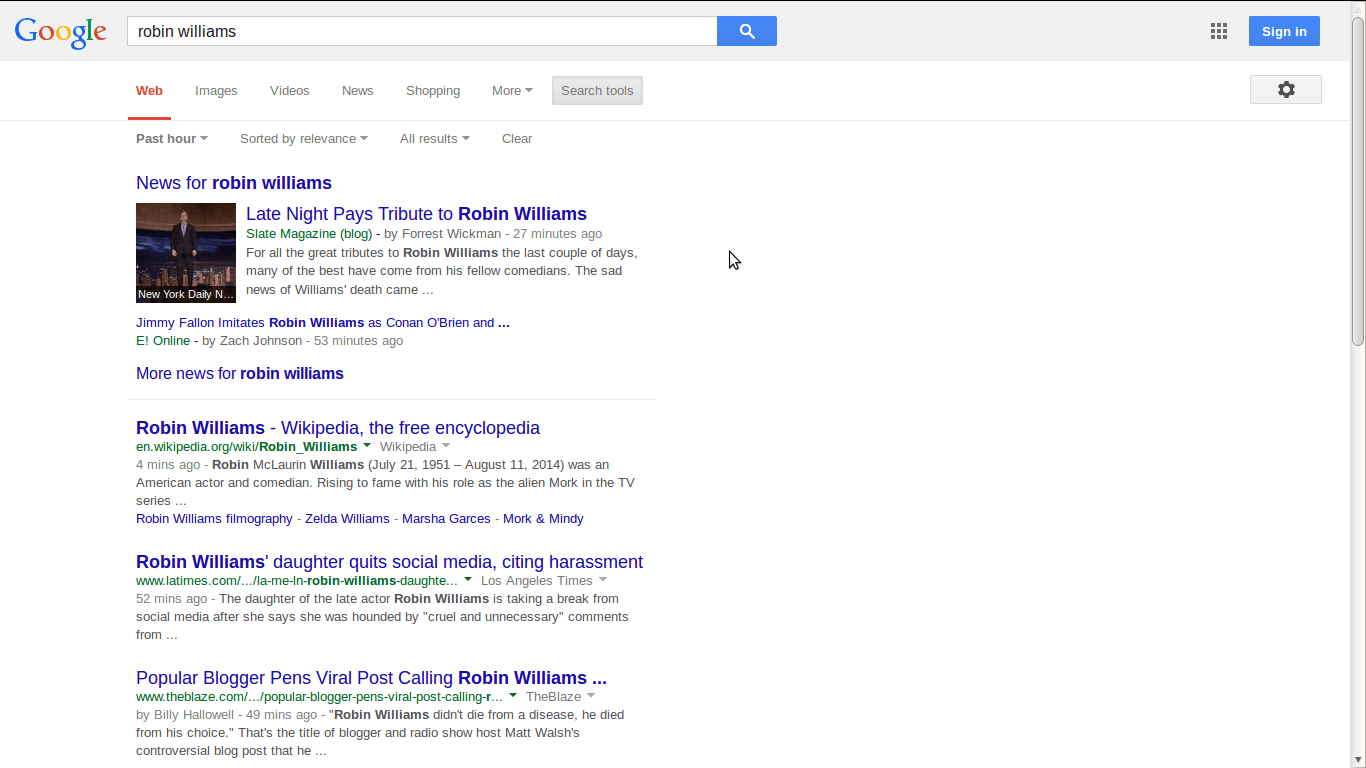
Google search lets you search up to within the hour or the year or customize the dates. All you have to do is click search tools and then the time window will drop down. You can search up to the past year for a search term.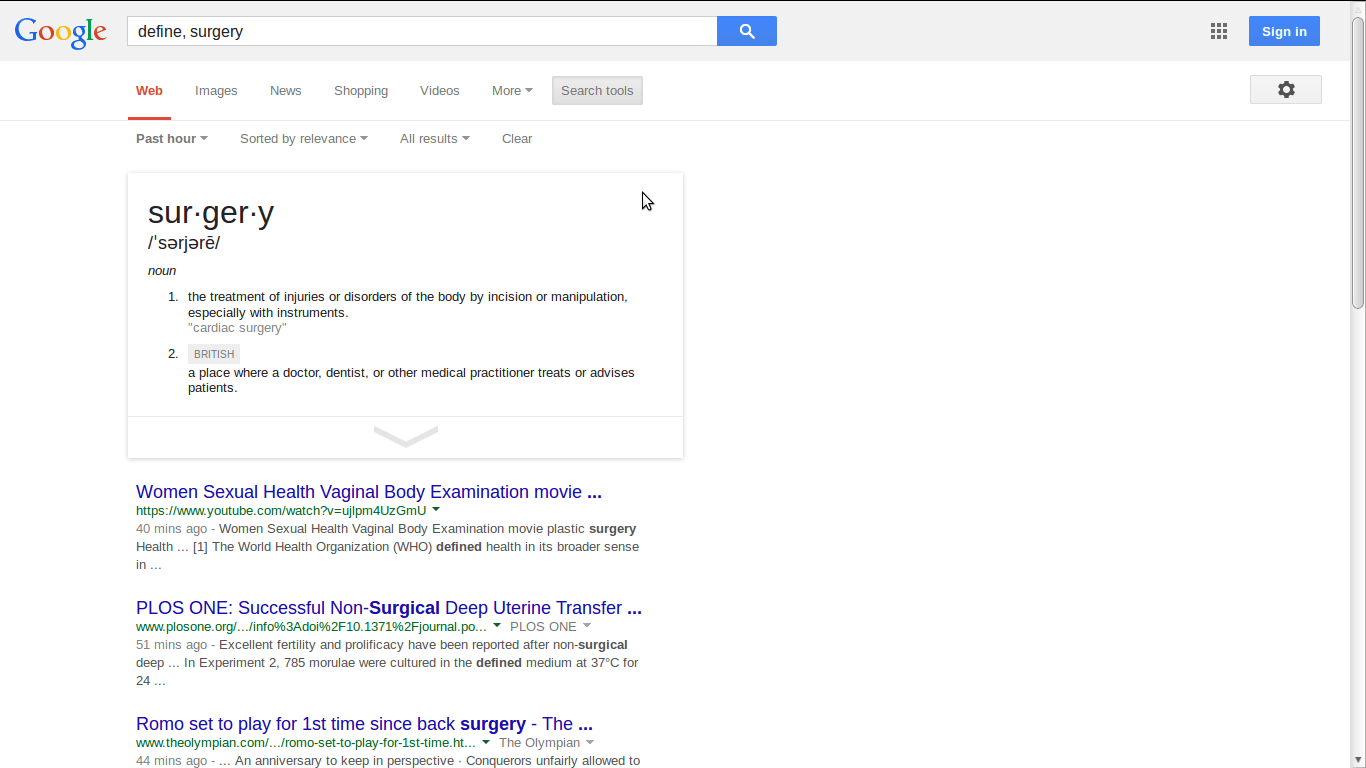
Scrabble players need argue any more about whether or not a word is a word. Google search can define a word in mere seconds. Just type in define and the word you need defined will be displayed.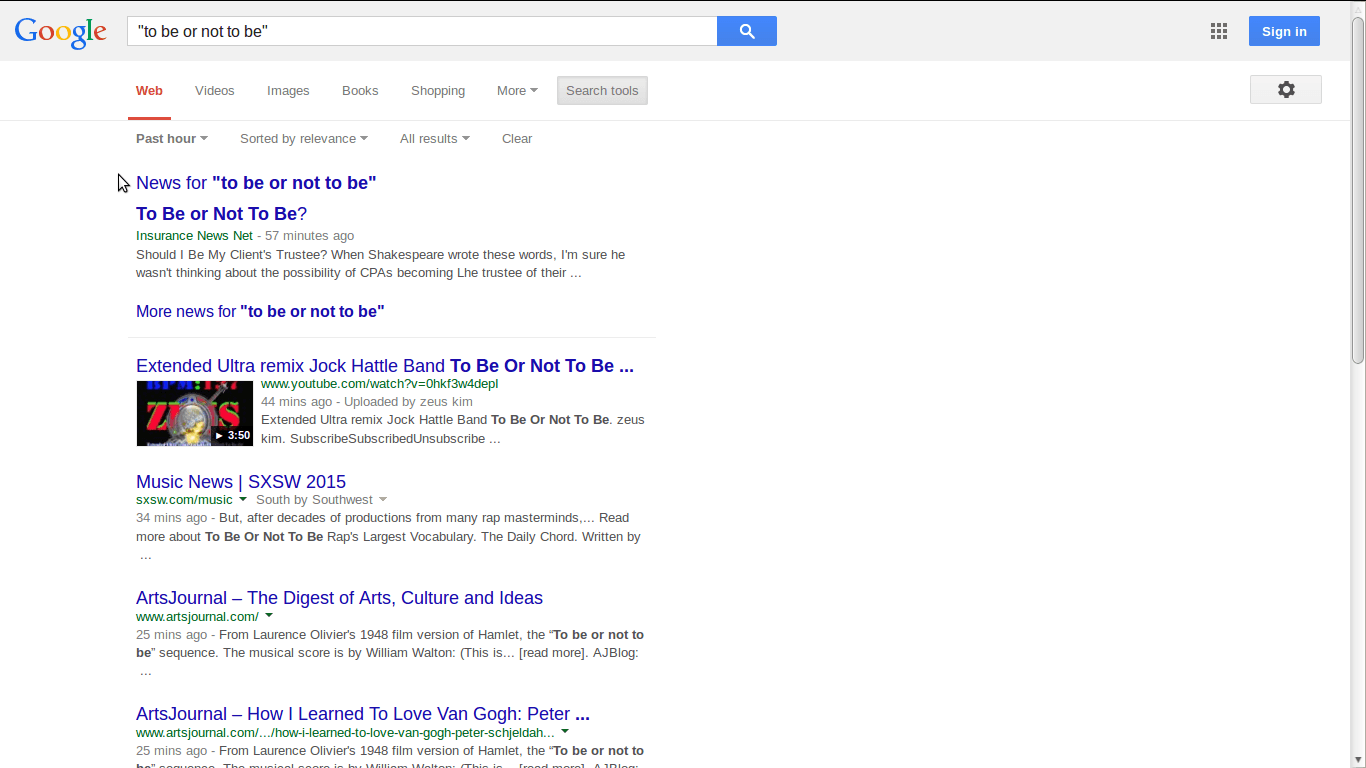
You can find the exact origin of a quote with Google Search. All you have to do is put the phrase in quotes and hit enter.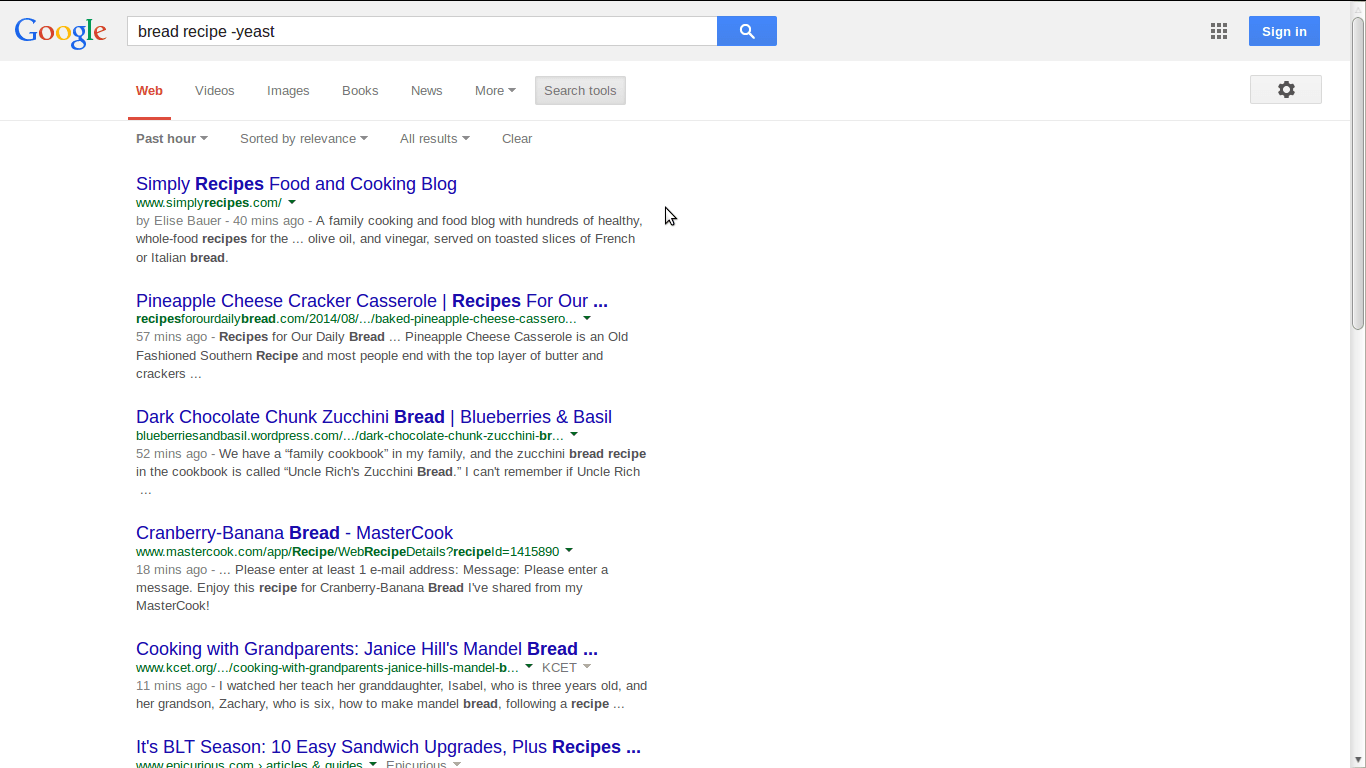
Use the minus sign before a word to delete from a search. For example, we did a search for "bread recipes - yeast."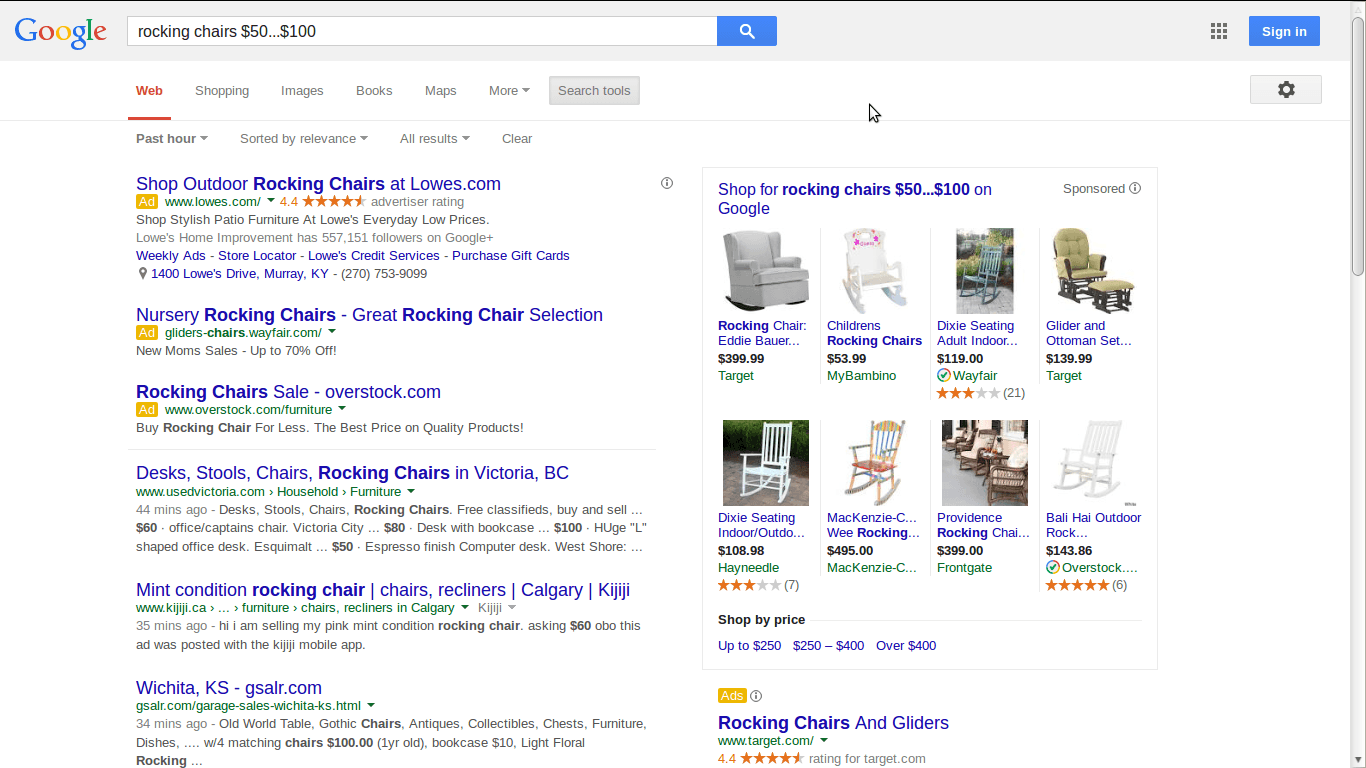
Google search makes it easy to find the right product for the best price. Type in the name of the product and then the range with (. . .). Our example was a rocking chair between $50...$100.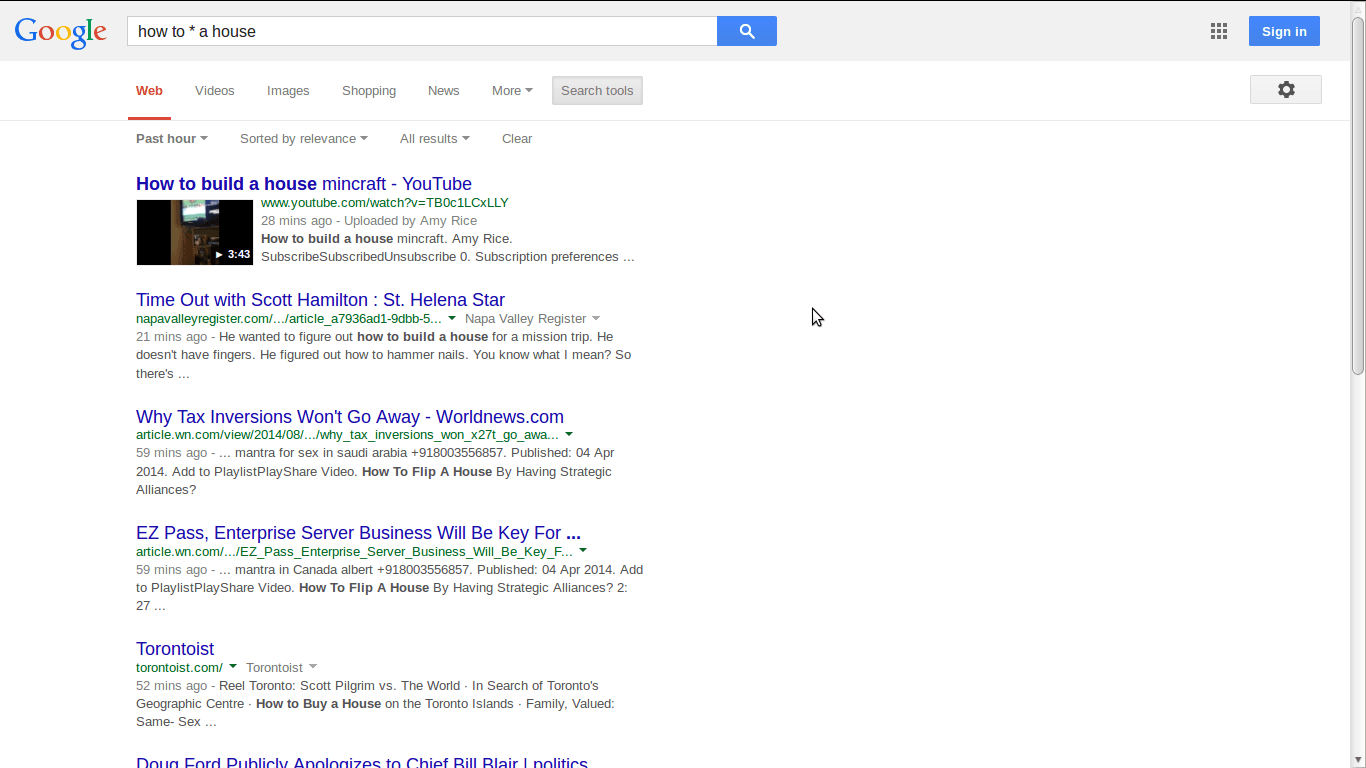
Use an * to blank out specific words for a more refined search. Google search will pull up the search term without all of the words. Our example was how to * a house.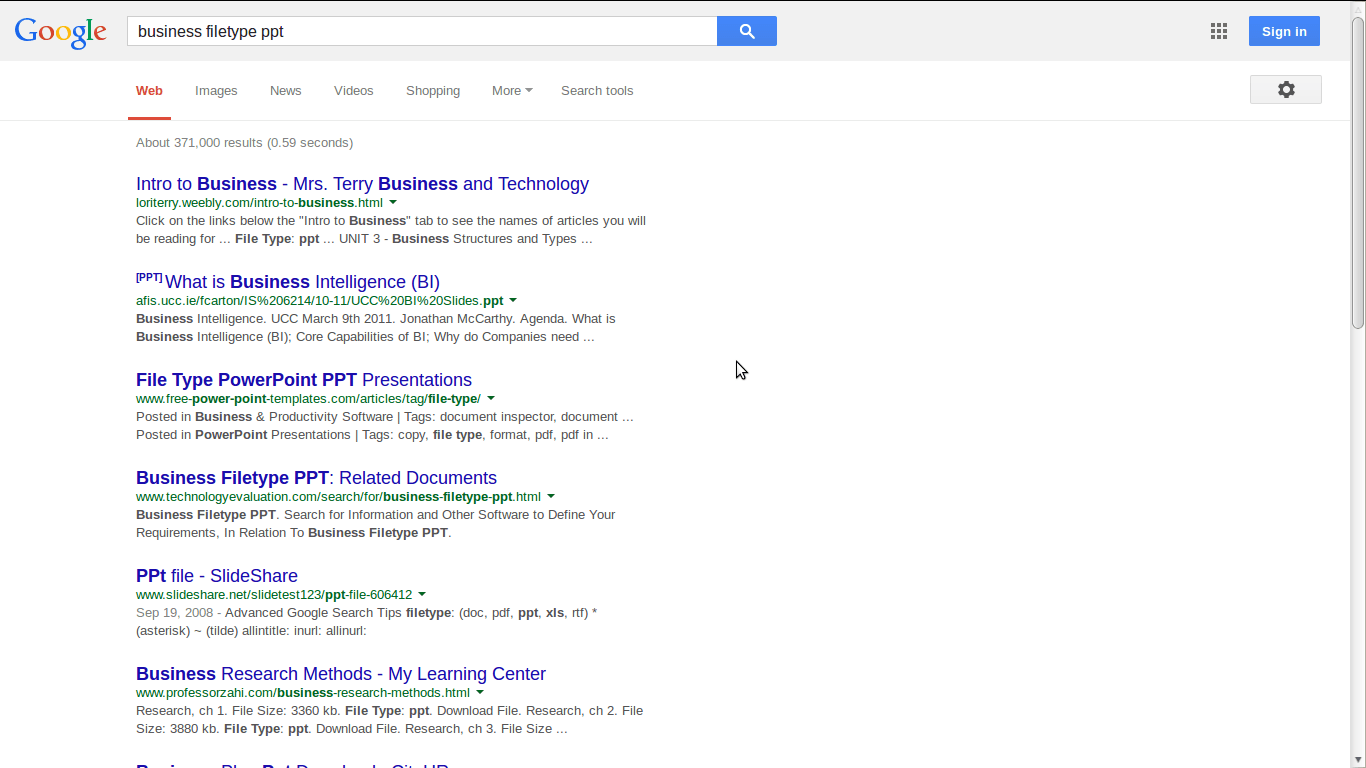
Google search lets you find anything by file type. All you have to do is type in the search term followed by file type doc or ppt or pdf or doc or any type of file.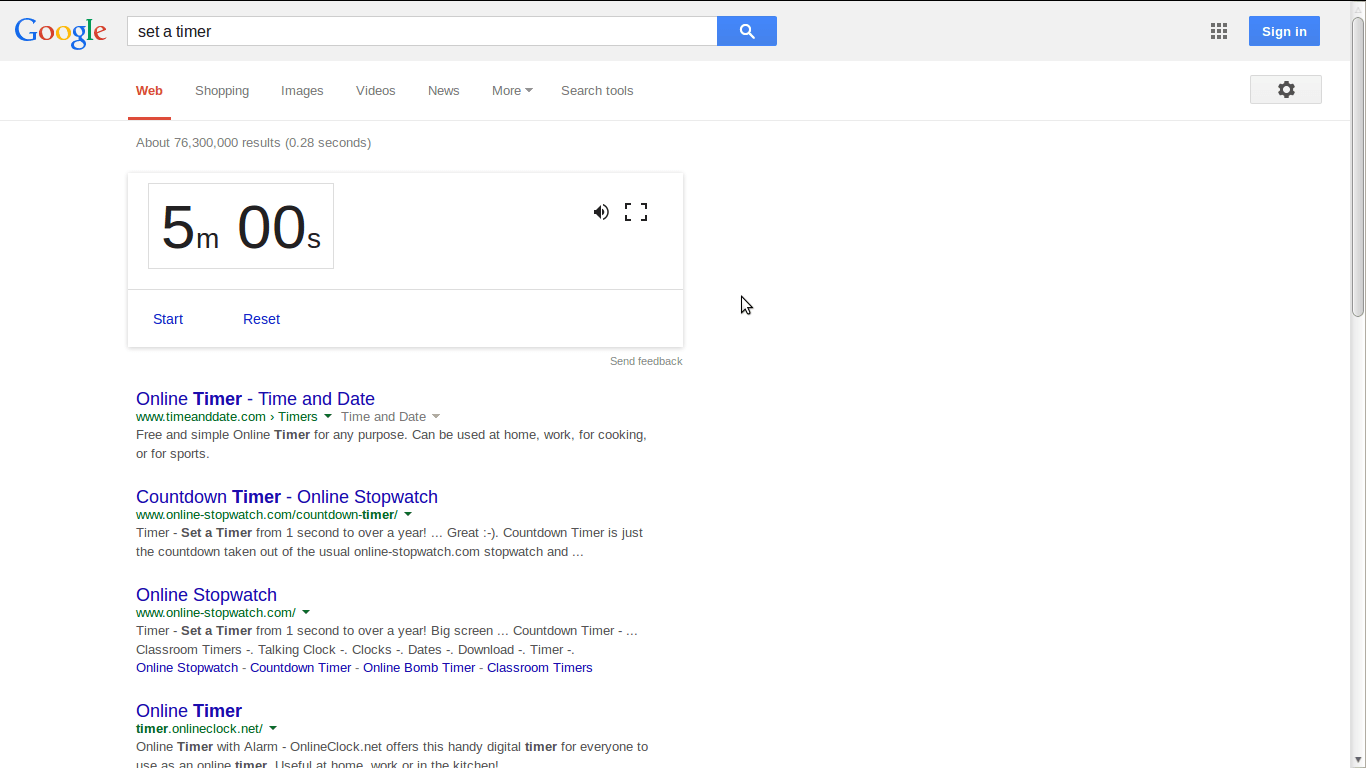
Need a timer? Perhaps, you have something baking in the kitchen and don't want to forget about it? Google search can help. All you have to do is enter the search term, set a timer, and a timer automatically pops up.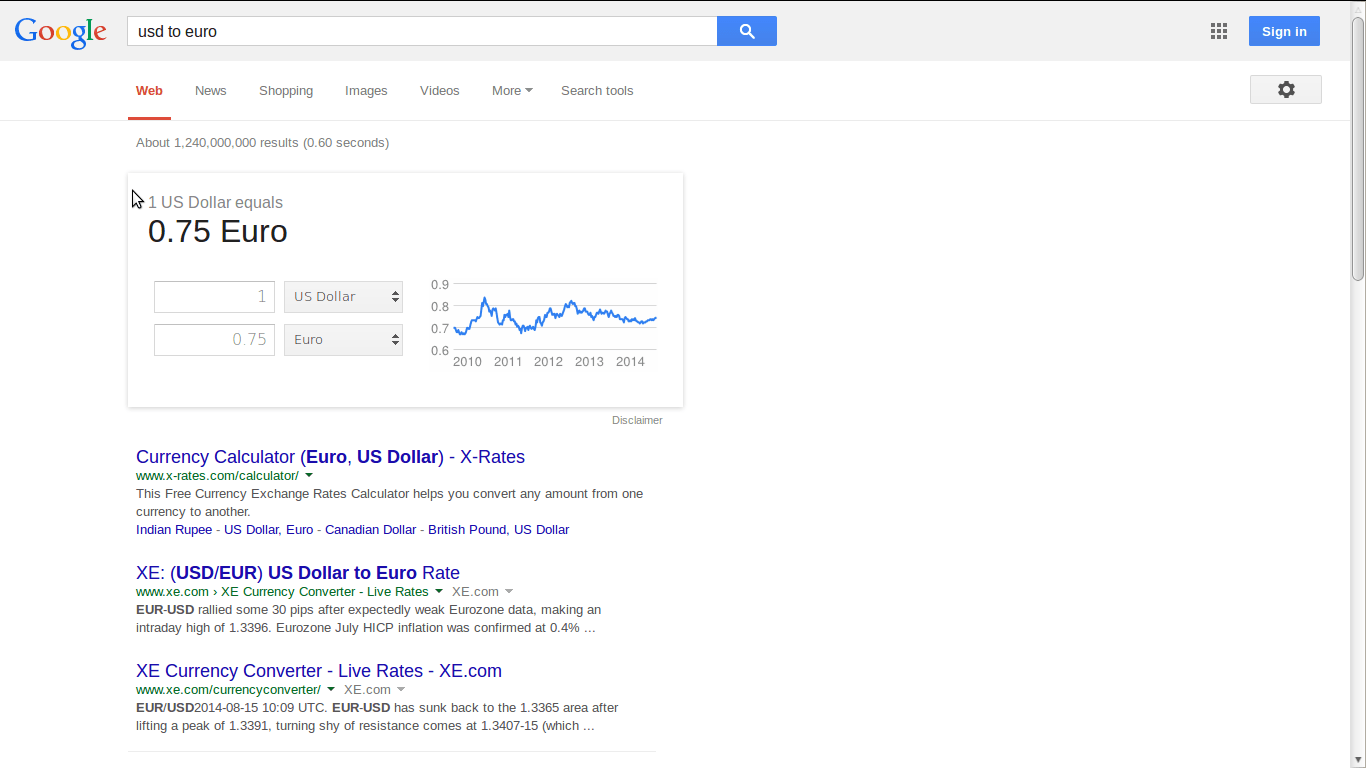
Planning a trip abroad? Simply type in the currency you have, add the word to, and your destination. Google converts the money equivalence in seconds.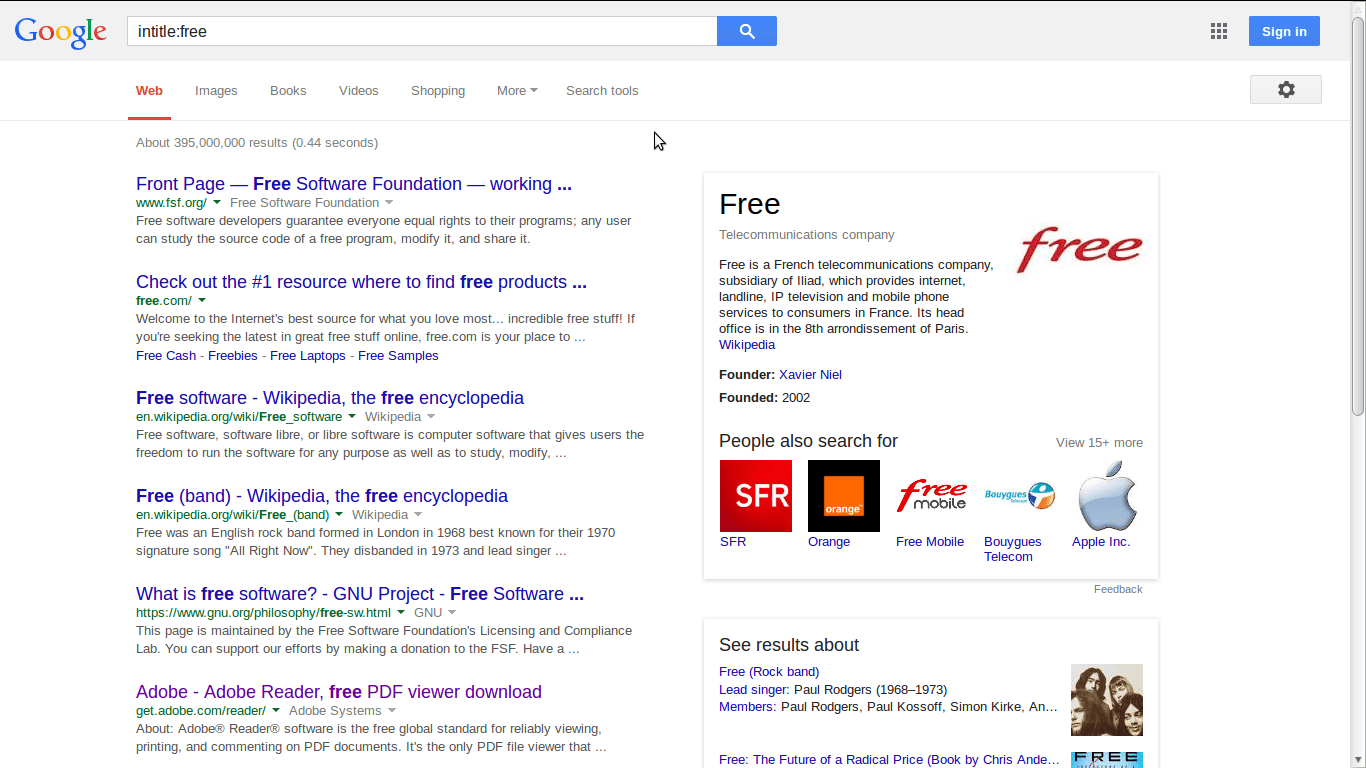
Type the words, intitle: along with the word or person you are searching for. All sites with that particular word will pop up.
1. Movies
A comma goes a long way in Google search Just type in the word 'movies, separate with a comma, enter a zip and the local movie list pops up for you.
2. Search A Specific Site
Skip all the ads and do a site specific search. For example, I typed in site:lifehack.org "recipes" and every recipe article on our site popped right up.
3. Reverse Image Search
Reverse Image search allows you to search with any image. Simply drag an image into Google search and find out what you've been missing.
4. Check Out The Competition
Use vs to compare products or applications or products. Al kinds of reviews will pop up in seconds. For example, the search above was for apple vs pc.
5. Widen Image Search
Once at Google Images click search tools and a menu will drop down. Then click type and check face, photo, clip art, line drawing, or animated. This is a great tool, especially when searching for something a little different.
6. Filter Results In Real-Time
Google search lets you search up to within the hour or the year or customize the dates. All you have to do is click search tools and then the time window will drop down. You can search up to the past year for a search term.
7. Define A Word
Scrabble players need argue any more about whether or not a word is a word. Google search can define a word in mere seconds. Just type in define and the word you need defined will be displayed.
8. Find The Exact Origin Of A Quote
You can find the exact origin of a quote with Google Search. All you have to do is put the phrase in quotes and hit enter.
9. Omit Words From Search
Use the minus sign before a word to delete from a search. For example, we did a search for "bread recipes - yeast."
10. Search For A Product Within A Price Range
Google search makes it easy to find the right product for the best price. Type in the name of the product and then the range with (. . .). Our example was a rocking chair between $50...$100.
11. Search Using Blanked Terms
Use an * to blank out specific words for a more refined search. Google search will pull up the search term without all of the words. Our example was how to * a house.
12. Find Items By File Type
Google search lets you find anything by file type. All you have to do is type in the search term followed by file type doc or ppt or pdf or doc or any type of file.
13. Timer
Need a timer? Perhaps, you have something baking in the kitchen and don't want to forget about it? Google search can help. All you have to do is enter the search term, set a timer, and a timer automatically pops up.
14. Convert Currency
Planning a trip abroad? Simply type in the currency you have, add the word to, and your destination. Google converts the money equivalence in seconds.
15. Web Title Search
Type the words, intitle: along with the word or person you are searching for. All sites with that particular word will pop up.