
Our tablets and mobile phones are amazingly agile in running a wide array of apps. Just head over to your app store of choice, jump on some WiFi and the downloading frenzy can begin. Your phone probably defaults to storing those little icons all over your home screens. While this is a fantastic resource, it can lead to a hot mess. Fortunately, you don't have to live through the chaos. Here are some ideas about how to organize all those incredible applications.
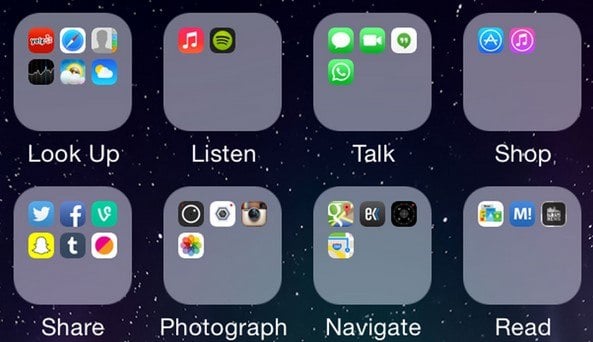
1. Action Categories
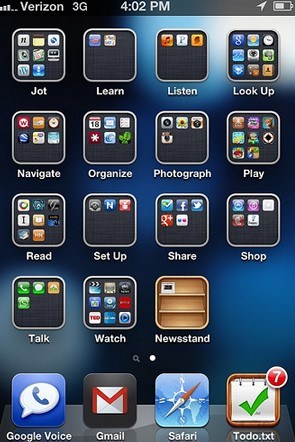
If you need to look something up in Wikipedia and listen to your iTunes, why not center your organization on these concepts? All you need to do is create folders which reflect the best action word associated with the apps.
2. Color Codoing
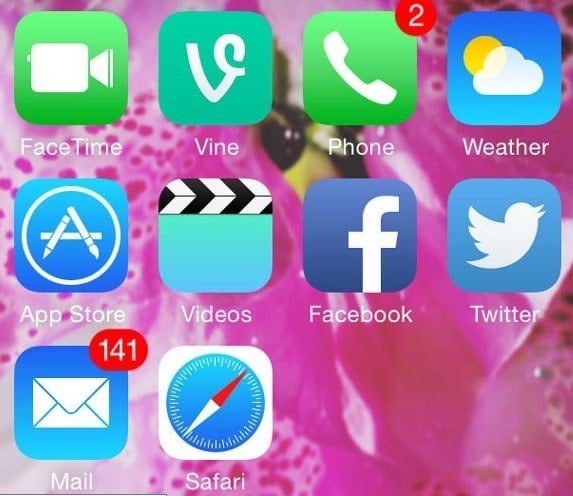
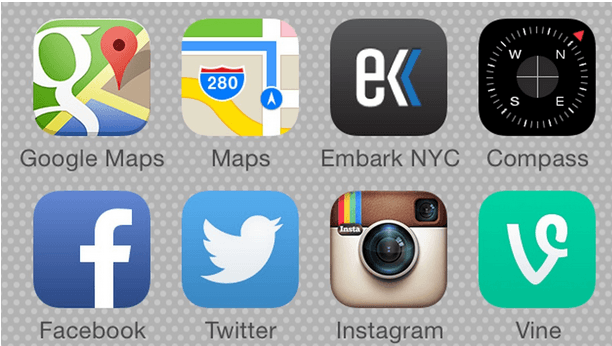
If you are a really visual learner, your best organizational scheme might center around color. We all know Snapchat features a primarily yellow icon and facebook is largely blue. Thus we can drag Facebook next to twitter ad Snapchat alongside Apple Maps and BAM color code achieved. This is a great method for those of us who relate first to the application image rather than its function.
3. Frequency Used
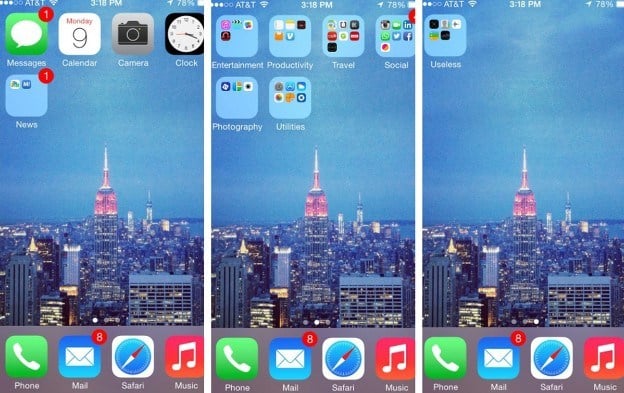
We all have a few apps we rely on almost everyday. If you want to minimize time spent searching for icons and maximize time spent getting the information you love to have, organization by frequency is a great option. One way to accomplish this is by assigning each home screen to a level of frequency. The first screen can include the items you use everyday. Swipe once and find the items used a few times a week. Swipe another time and find the lesser used apps.
4. Themed Rows
Remember back in college when your favorite club would have themed meetings? Everyone would come dressed in their pajamas or favorite Hawaiian shirts? Well, you can relive some of those fond memories by organizing your apps around central themes. Instead of pajama days, you can assign each row its own theme. For example, you may have a maps row, a social media row and a knowledge base row.
5. Break out the Widgets
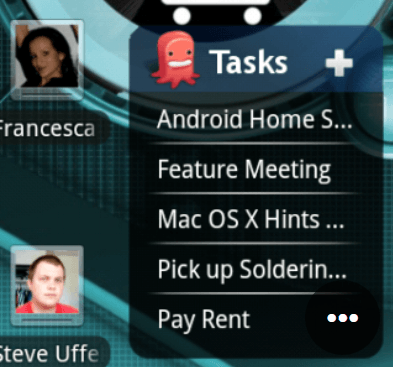
Widgets, primarily used on Android, are a great way to quickly access a lot of information. By plopping a widget onto one of your home screens, you can creatively manage space. Widgets are a great organizational tool for those who want to collect key information without additional clicks.
6. One Central Home Screen with Folders
One of the great things about modern phones and tablets is their flexibility with number of home screens. If you like to swipe a lot, you can have multiple screens. However, if you prefer a simpler start point, you can center everything on one screen and fit everything in via folders.
7. SmartBar
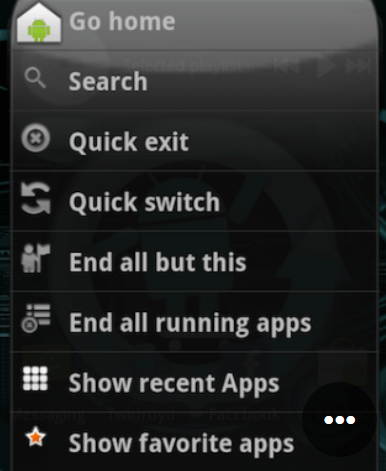
This android tool combines several features in an easy to access centralized manner. Rather than having to click through to find the app you need to perform the needed task on your phone, you can simply access it in a click or two with SmartBar. With this tool set up on your homescreen, you can organize the applications you want around this powerful feature.
8. Hand Position
Another simple method of organizing your applications is ease of use when holding. Everyone prefers to hold their phone in a slightly different way. Given this particular position is likely to be the configuration used to open most applications, it can be a useful organizational tool. Simply place the apps you use most often closest to the finger you use most of operate the phone. Whether this is your thumb or index finger, this organizational scheme can increase the speed at which you operate your phone.